
A platform built around paid teaching
Content protection, live instruction, examinations, analytics, and AI — and the parts talk to each other, because they were not bought separately.
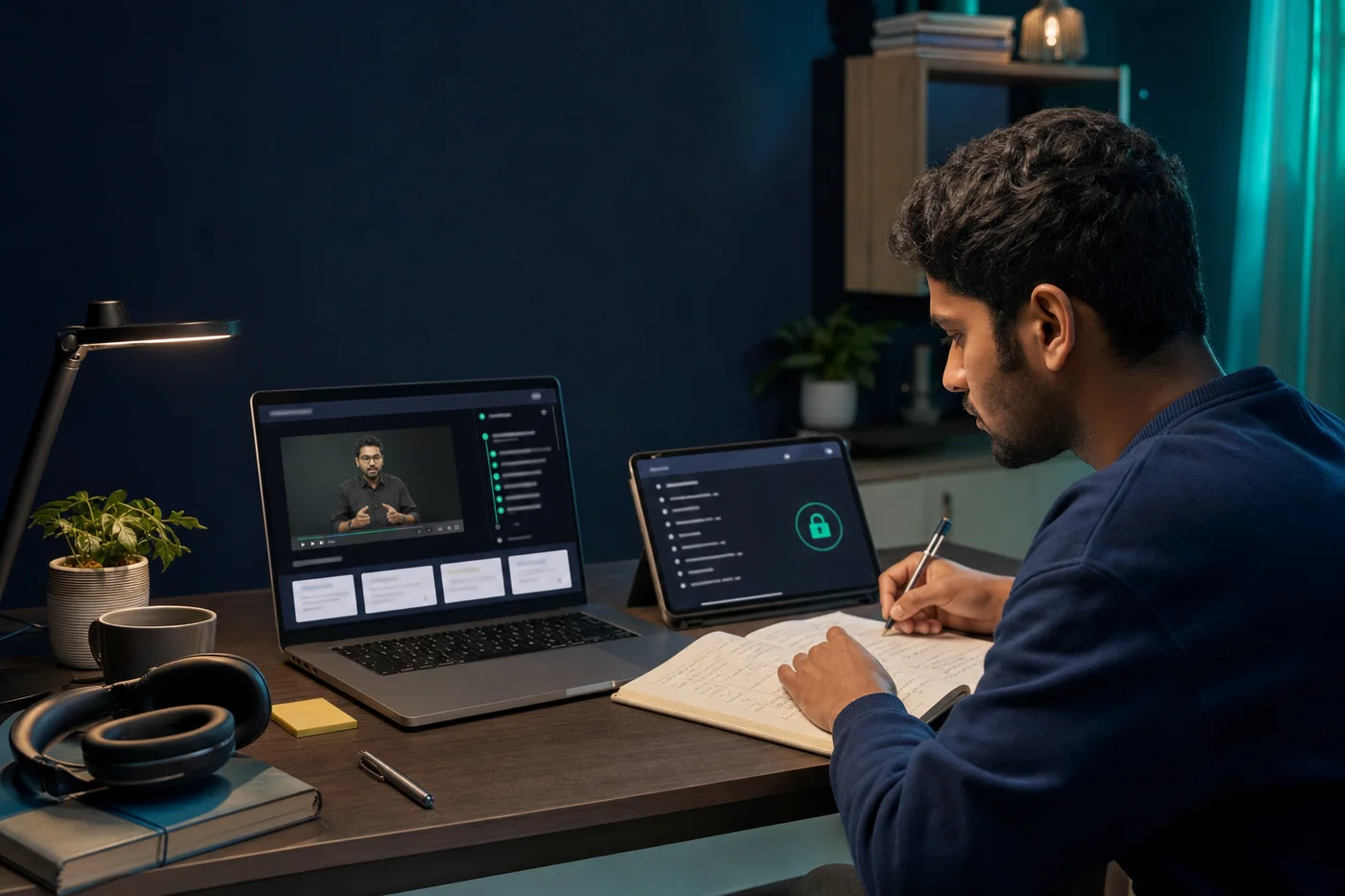
Secured content player
A player built for paid content, not for the open web.
Versatile playback
Video, audio, PDF, and HTML assets in one library, with resume, speed control, and bookmarks.
Course packaging
Bundle lectures, notes, tests, and resources into a structured path with prerequisites.
Video on demand
Adaptive HLS streaming, CDN-backed, so playback holds up on an ordinary mobile connection.
Offline access
Encrypted downloads that expire, so students can study without a connection but cannot keep the file.
Encryption and security
The reason most institutes come to RioPlay in the first place.
256-bit AES encryption
Content is encrypted at rest and in transit, and decrypted only under a short-lived playback lease.
Screen capture protection
Recording and screenshot attempts are blocked on the desktop and mobile apps.
Access restrictions
Device count, validity window, view limits, and platform restrictions, all set per product or per student.
Watermarking
Student identity burned into the stream, so a leaked recording points back to its source.
Examinations
From a weekly quiz to a proctored institutional exam.

Question bank
Organise by subject, topic, and difficulty, with bulk import so an existing bank does not need retyping.
Multiple formats
MCQ, descriptive, sectional, and timed papers, with randomised order and per-section rules.
OMR paper checking
Scan and evaluate physical OMR sheets, and pull the results into the same reports as online attempts.
On-screen evaluation
Faculty mark scanned answer sheets on screen, with annotation and moderated second marking.
Proctoring
Tab-switch detection, copy blocking, and session monitoring; proctoring data is retained for 60 days.
Analytics and reports
Enough detail to act on, not just a dashboard to look at.
Usage reports
Who watched what, for how long, on which device, and where they stopped.
Performance analysis
Exam results by cohort, subject, topic, and individual question — including which distractors are working.
Drill-down dashboards
Start at academy level and click through to one student, one lecture, one attempt.
Cloud sync
Offline and pendrive activity syncs back once a device reconnects, so the reports stay complete.
AI and add-ons
Available from the Pro plan upward.

AI doubt solver
Students ask questions against your own course material and get answers grounded in it.
AI paper checker
First-pass evaluation of descriptive answers, with the score and reasoning surfaced for faculty to confirm.
Adaptive learning
Recommendations recalculated nightly from each student’s performance and pace.
Annotation and interactive questions
Students annotate as they watch; questions can be embedded at timestamps inside a lecture.
API integration
REST API and webhooks to connect your CRM, website, or existing student database.
Reach and delivery
However your students can actually study.
Cross-platform apps
Android, iOS, Windows, macOS, and browser — the same course, the same progress, everywhere.
White-labelled apps
Your own branded apps published under your developer identity, with your domain.
Pendrive and offline courses
For students with no reliable connection: the full course on encrypted media, activated by serial key.
Marketing tools
Email, in-app messaging, and WhatsApp campaigns to your own student base.
Go deeper
See how the platform handles the teaching workflows that need more detail.
Teach live, recorded automatically
Run scheduled live sessions inside your own academy — with attendance, recording, and access control handled for you, instead of a Zoom link pasted into a WhatsApp group.
Read moreRun exams you can defend
A full examination system — question banks, multiple paper formats, proctoring, OMR and on-screen evaluation, and reports detailed enough to change how you teach.
Read moreReach students with no bandwidth
Ship the whole course on encrypted media. Students study entirely offline, activation is controlled by serial key, and their progress syncs back the next time they connect.
Read moreTell us what you
want to build
Describe how you teach today and what is getting in the way. We will show you the parts of RioPlay that actually apply, and say so if it is not a fit.